DragonFly Firmware Updates

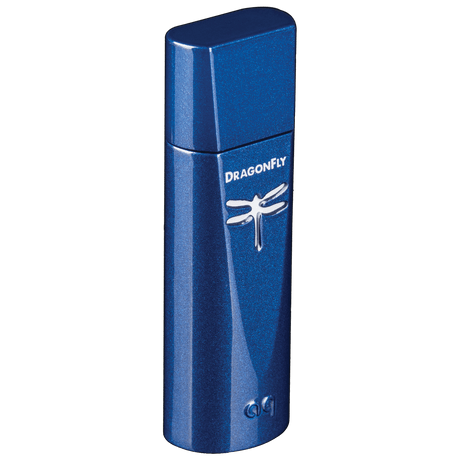
An Important Note to DragonFly Cobalt Owners:

At this time, there is no need to download our Desktop Device Manager or attempt to update your device.

Your DragonFly shipped from the factory fully compatible and ready to be used with Apple iOS mobile devices, Android smartphones and tablets, and Mac and Windows PCs. (In some cases, Android devices will require a third-party app in order to support USB audio output. For more info, see “For Use with Android Devices” in your Flight Manual.)

With the release of the first firmware update for DragonFly Cobalt, the Desktop Device Manager will be activated. Until then, the Desktop Device Manager is intended for use with our Beetle Toslink-Bluetooth-USB DAC and DragonFlys Black and Red.

As a fully functional MQA renderer, your DragonFly is ready to unfold and play MQA files through the Tidal music-streaming service. If you have a Tidal Master account and want to enjoy the full benefits of Tidal Master (MQA) files through DragonFly, simply adjust your Tidal playback settings:

Update Tidal Playback Settings on MacOS

Click on your profile name (located in the top left corner of the Tidal desktop application)

  • From the Profile (person) icon, click “Settings”
  • Under “Audio Quality,” select “Max”
  • Make sure that your DragonFly is selected for Sound Output

Update Tidal Playback Settings on Windows

  • From the Profile icon (person), choose "Settings"
  • Under "Audio Quality," select "Max"
  • Make sure that your DragonFly is selected for Sound Output

Update Tidal Playback Settings on iOS, iPhone, iPad Pro

  • Click “My Collection” (the albums icon comprising three lines, located in the bottom right of the mobile app)
  • Click the gear wheel (located in the upper right)
  • Click ”Audio & Playback"
  • Set Wi-Fi streaming to “Max”
  • Set Mobile data streaming to your desired option, noting that streaming hi-res will require a relatively large amount of data
  • Make sure “Adaptive streaming” is enabled
  • Start at a very low volume and gradually work your way up to a comfortable level

Update Tidal Playback Settings on Android

For Android playback, we recommend the USB Audio Player Pro media player by eXtream Software Development. From Version 5, USB Audio Player PRO Version 5 supports audio from Google Music, Tidal, and Qobuz. To ensure the best performance, customers who own earlier versions of UAPP should upgrade to the latest version.